


2/3 Channel WIFI APP Control Car Dvr 1080P Dash Cam for Cars Front and Rear View Recorder Video Car Camera for Car Assecories
2/3 Channel WIFI APP Control Car Dvr 1080P Dash Cam for Cars Front and Rear View Recorder Video Car Camera for Car Assecories
No se pudo cargar la disponibilidad de retiro
Envio entre - y -.
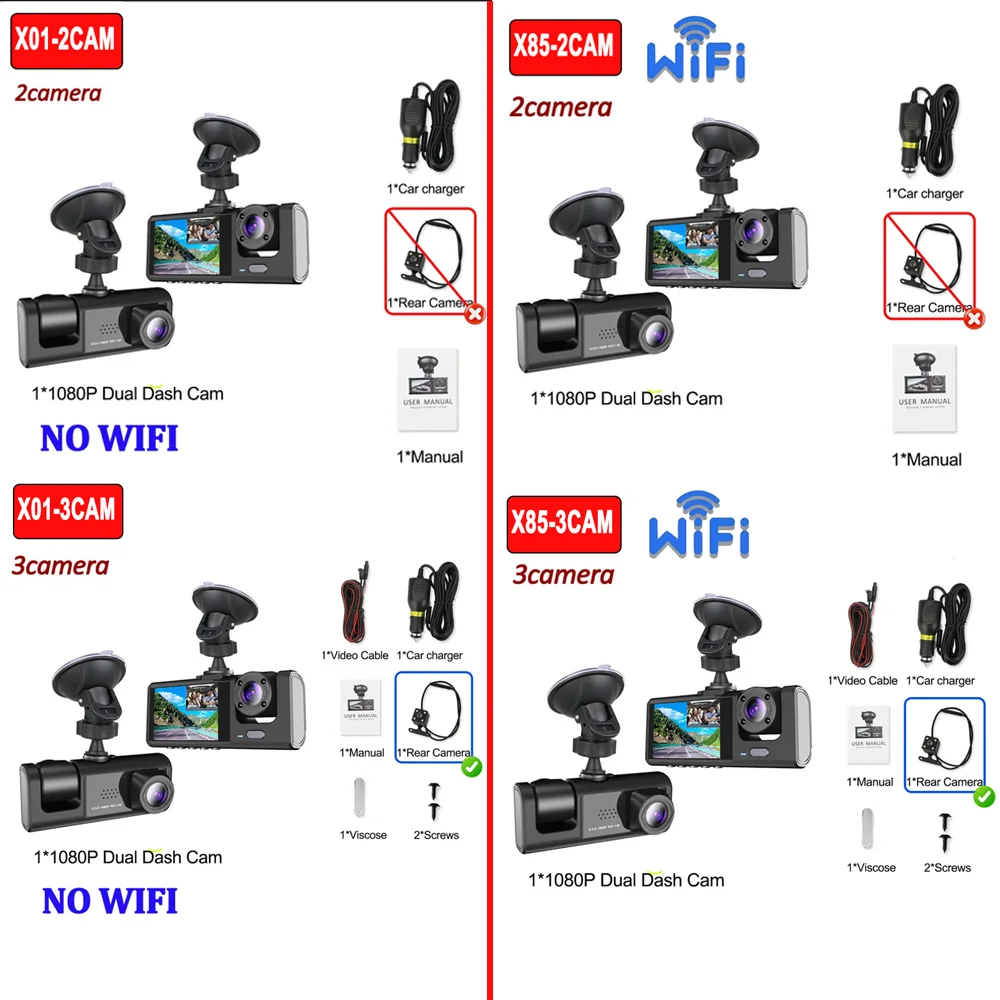
Dear customers, we have two models, X01 no WIFI function, X85 has WIFI function, you can choose double lens or triple lens. You can choose according to your needs.
⭐WIFI can connect to your cell phone, you can transfer the recorded video to your cell phone without traffic, you can also share the video to the APP you need (there is a manual to connect wifi tutorial)
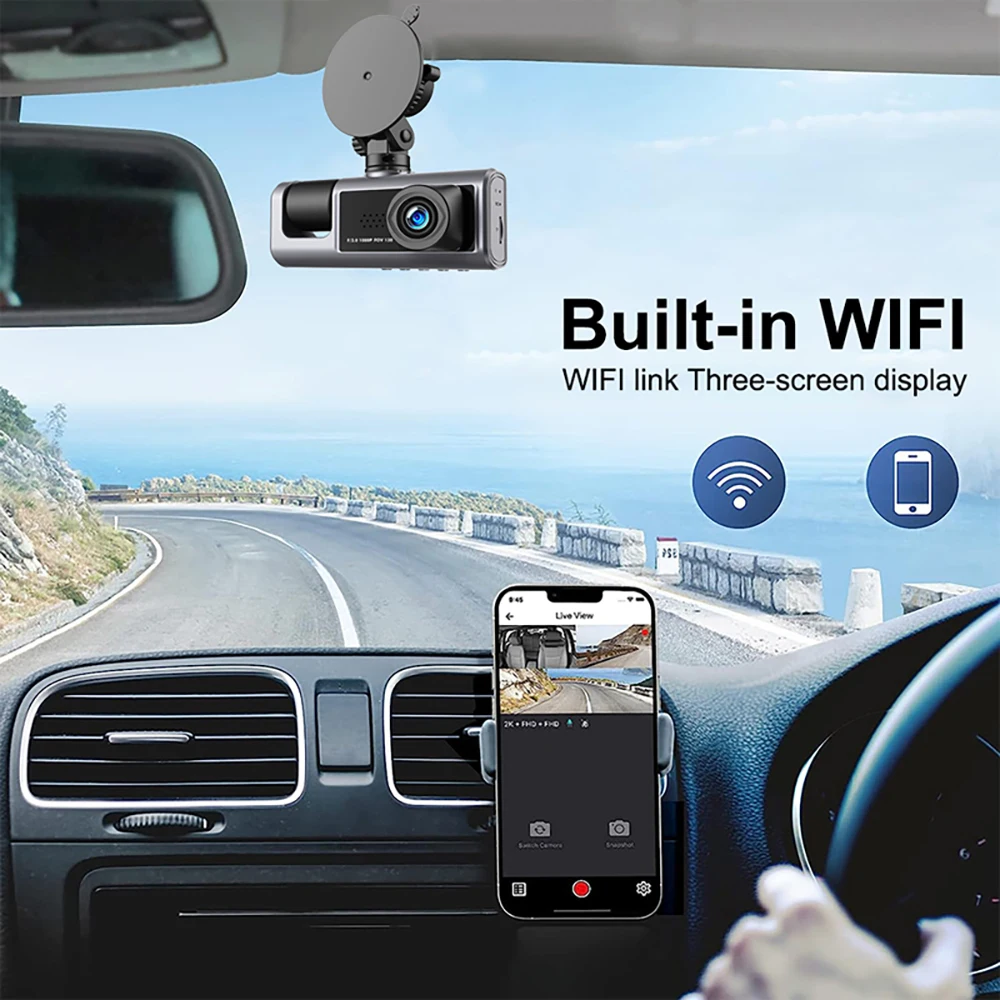
The new high-definition 2/3-lens dash cam features built-in WiFi support for Android iPhone connectivity, making it easy for your phone to view videos.
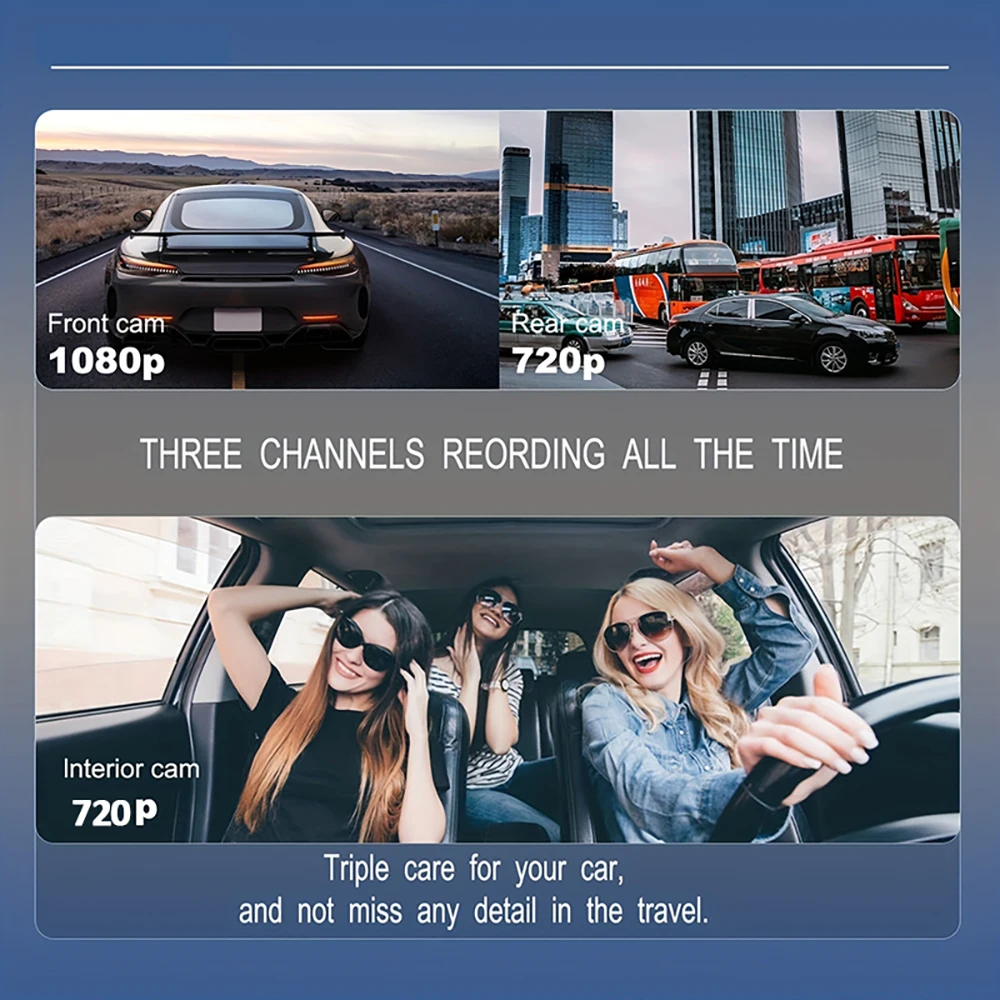
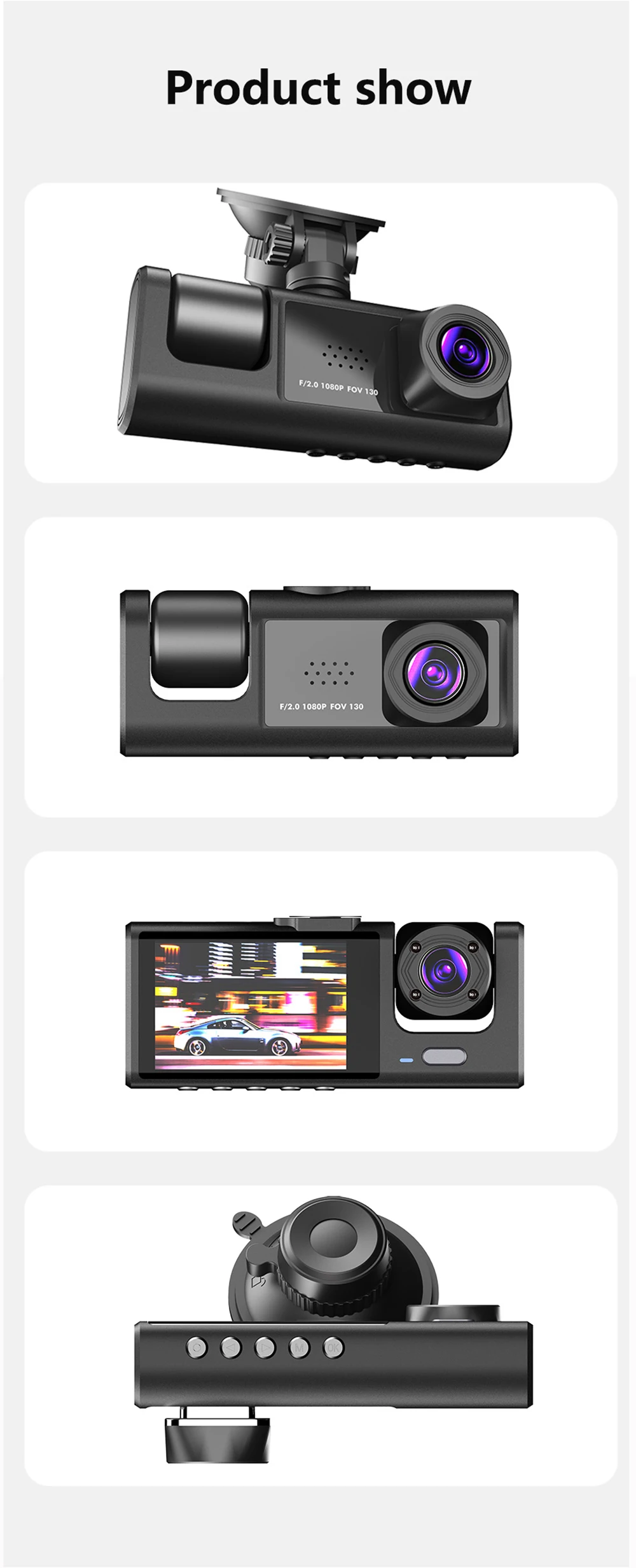
Product Specifications:3 Channels: [Front+Interior+Rear]
Screen size: 2 inches
File format::AVI
Voltage 1 Current: 5V/1A
Video resolution: 1080P; 720P; 720p
Continuour Loop Video: Seamless Loop Recording
Automatic power on/off: support automatic ignition and shutdown
Time Synchronization: Support
Support memory card: TF Card (maximum support 64 GB)
Frequency: 50HZ / 60HZ
Supported languages: Chinese, English, French, German, Russian, Polish,Japanese, Portuguese, Spanish,Korean,etc
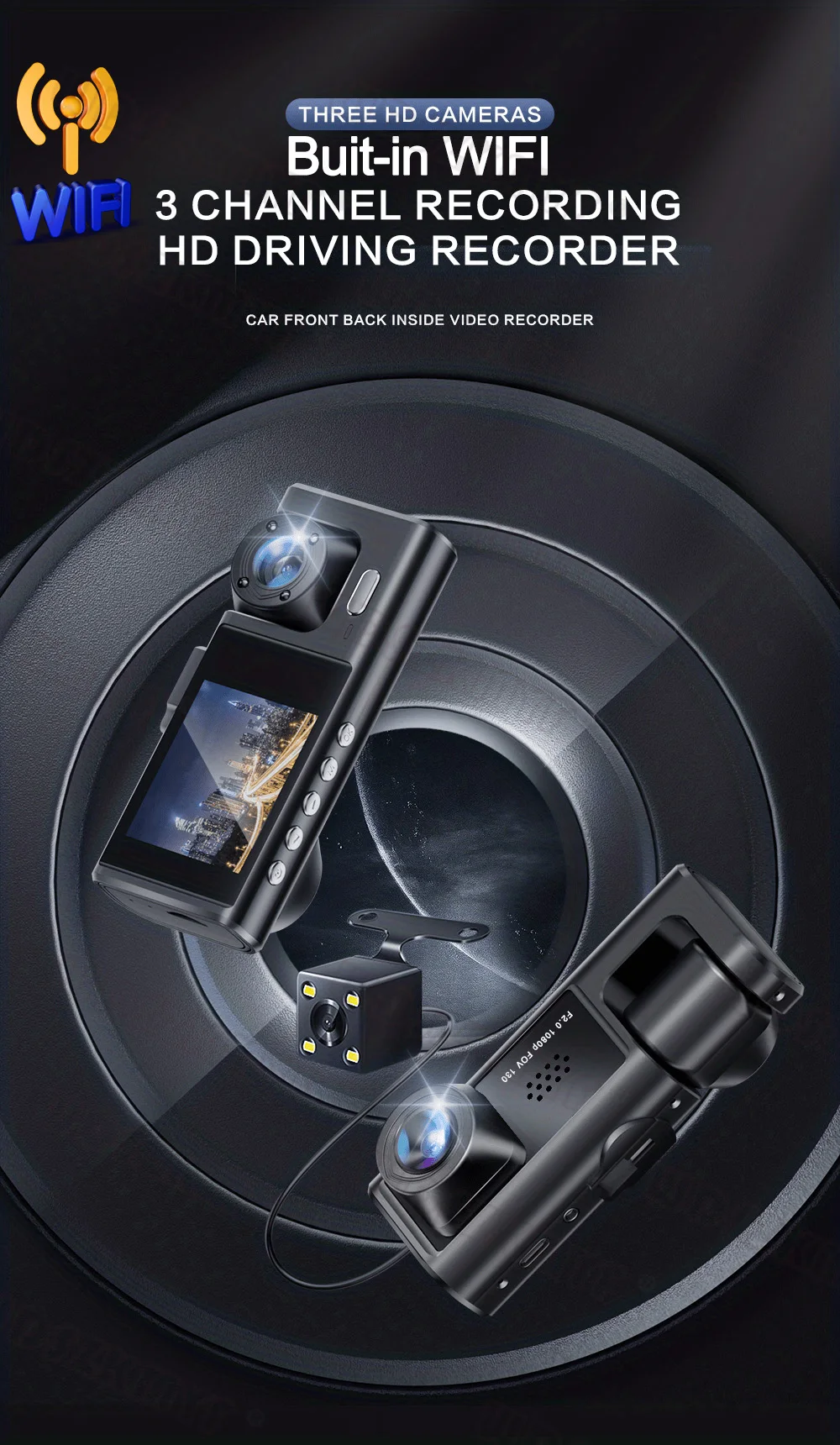
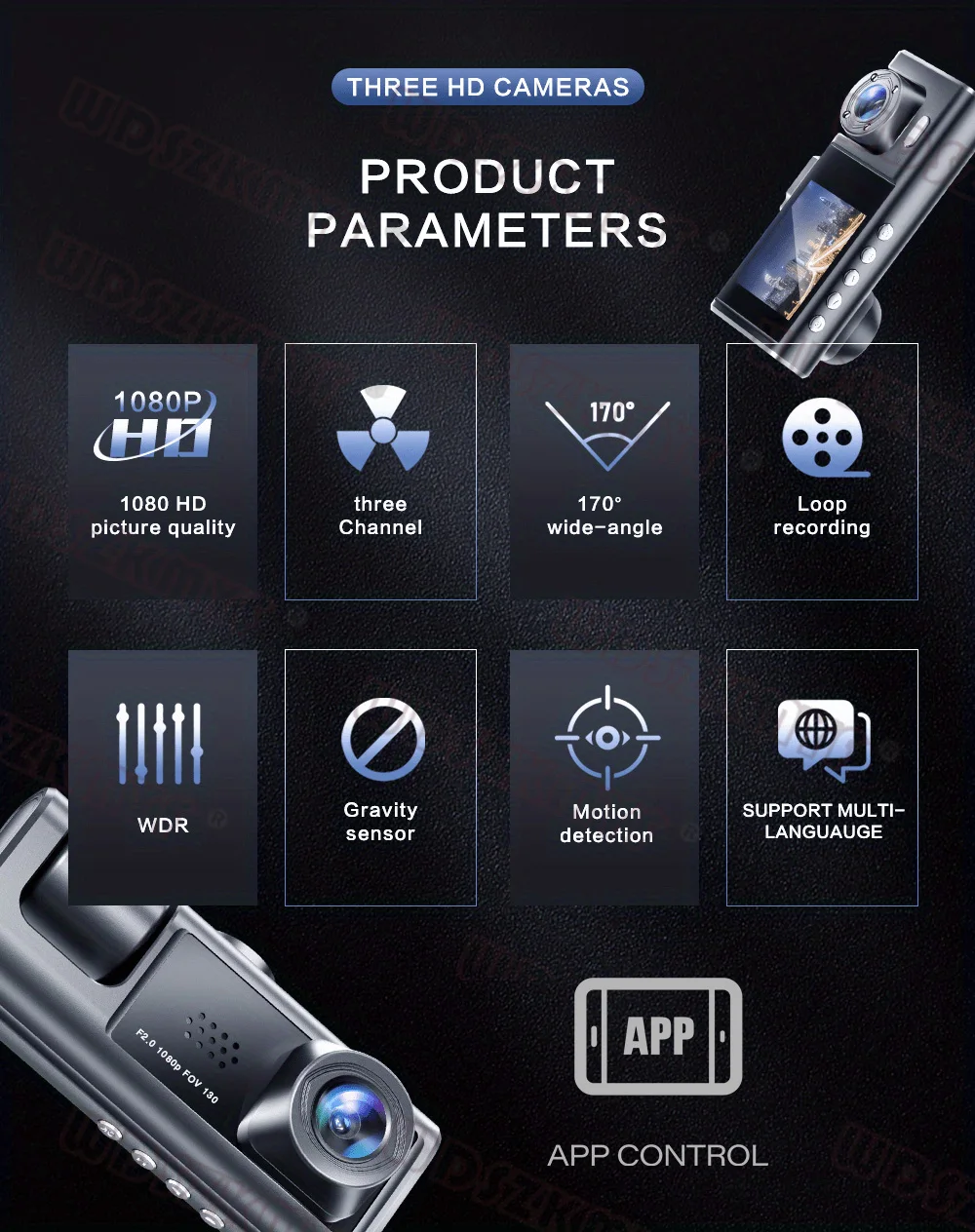
New HD 3 Lens WIFI Dash Camera
Only Front Camera: 1080P
Front + Rear Camera:1080P+1080P;Front & Inside Camera:1080P+720P;
Front & Inside & Rear Camera:1080P+720P+720P
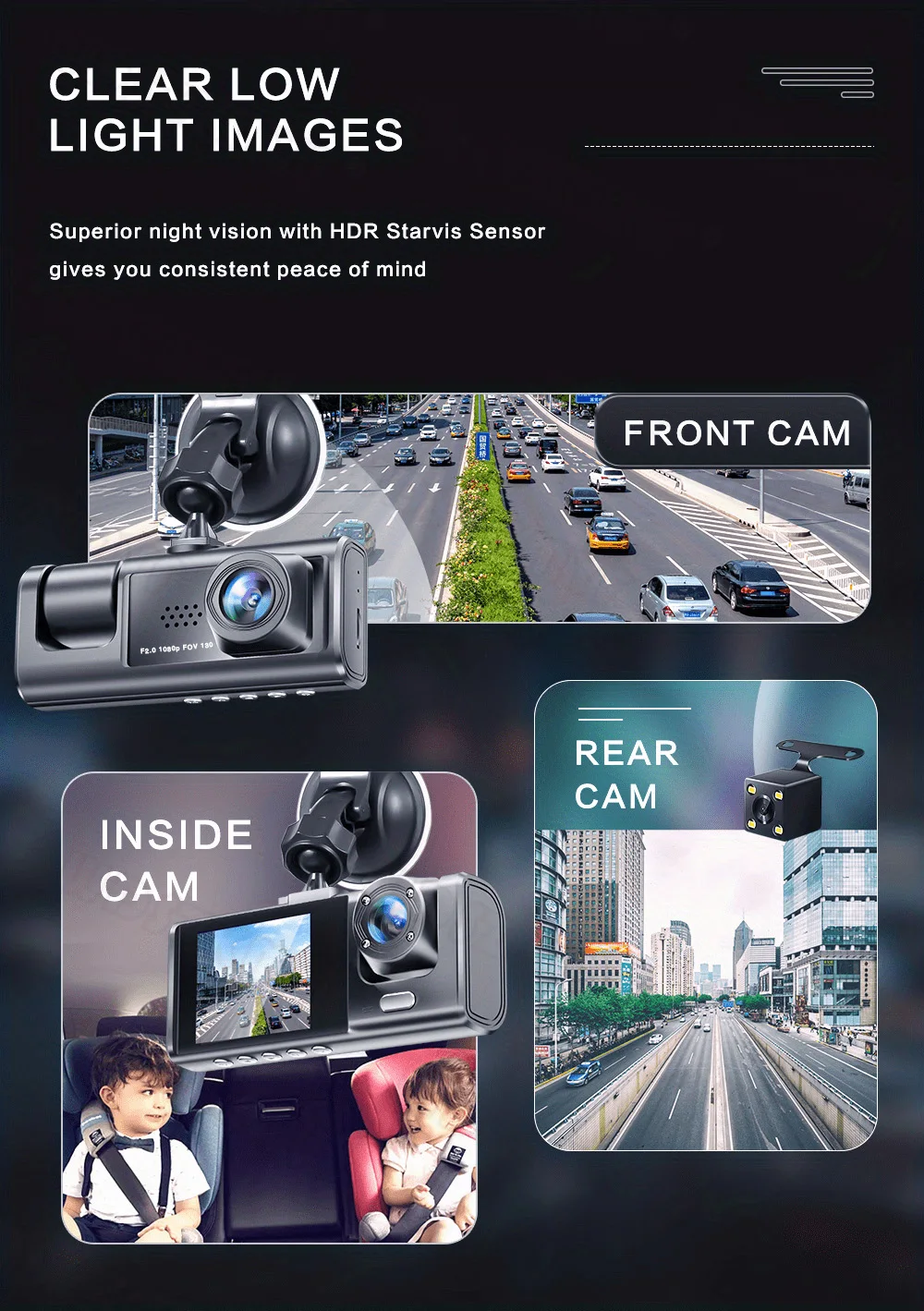
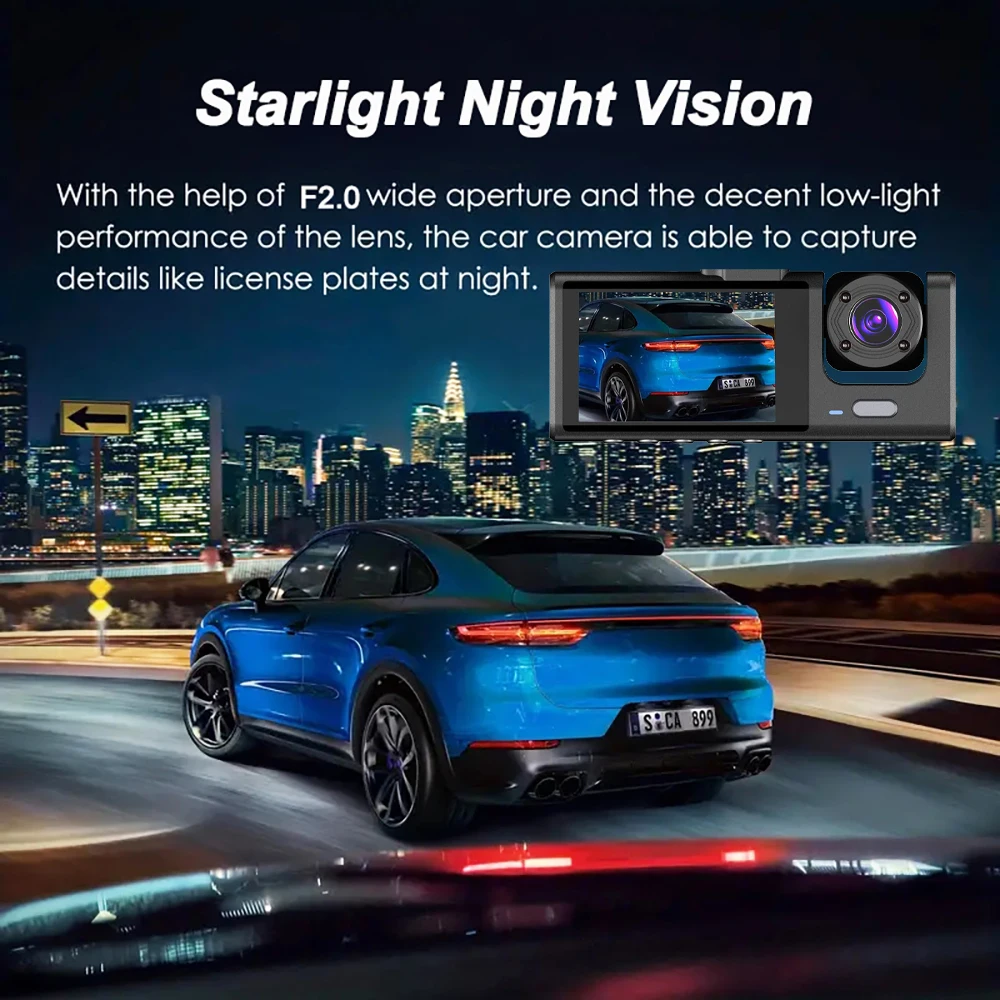
Starlight Night Vision
With the help of F2.0 wide aperture and the decent low-lightperformance of the lens, the car camera is able to capturedetails like license plates at night.
Built-in WiFi
Download the APP from Android and iOS systems, connect your phone with dash cam via WiFi, then you can view the recordings in real-time, also can download, playback and share the recordings via your phone.
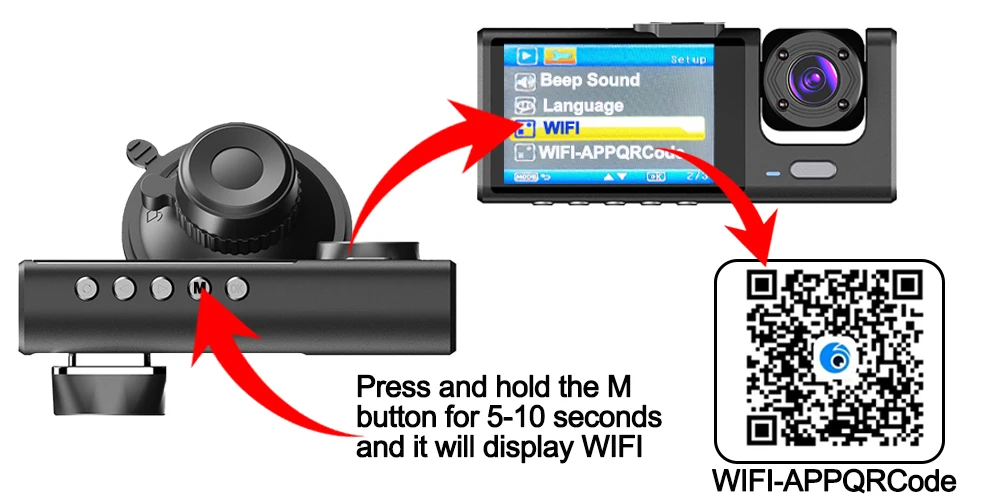
How to link WIFI
You need to press the M menu button for 5-10 seconds and then it will show the WIFI module, the WIFI QR code is also in the menu bar, and you can eventually link your phone to view the video.
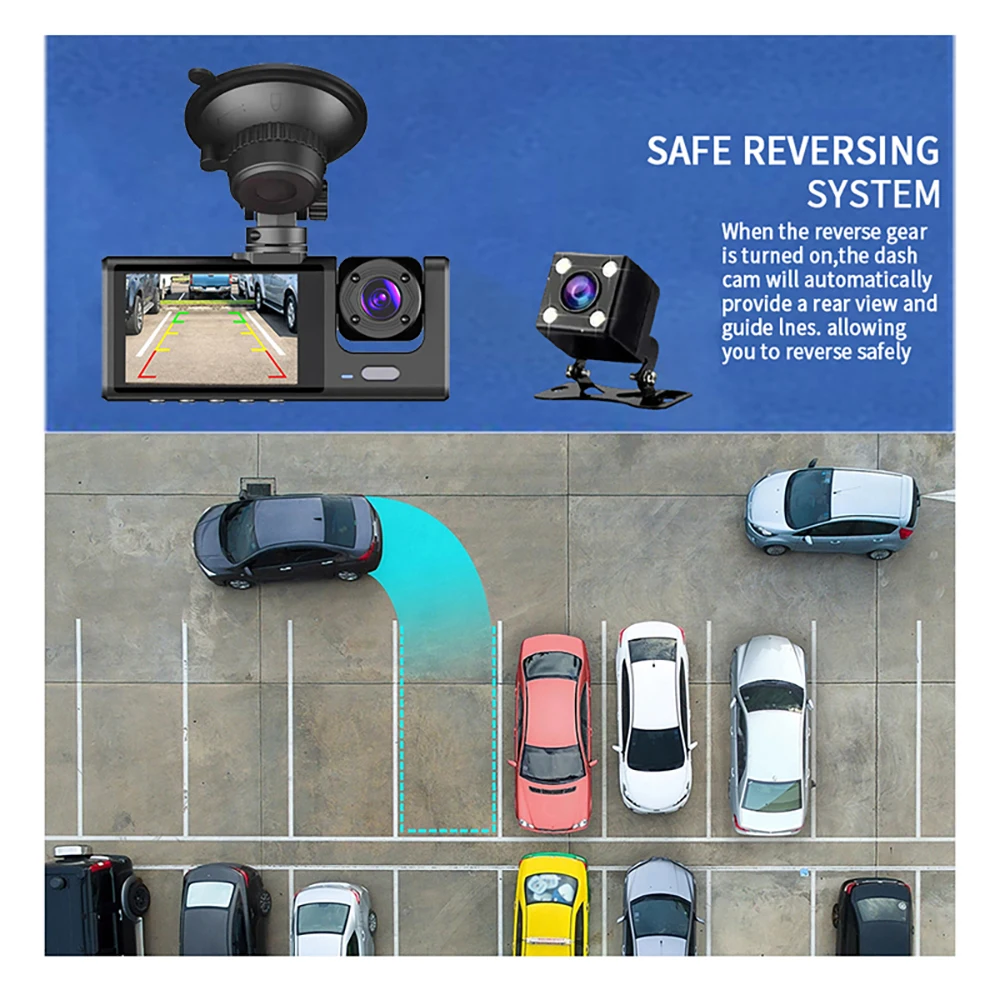
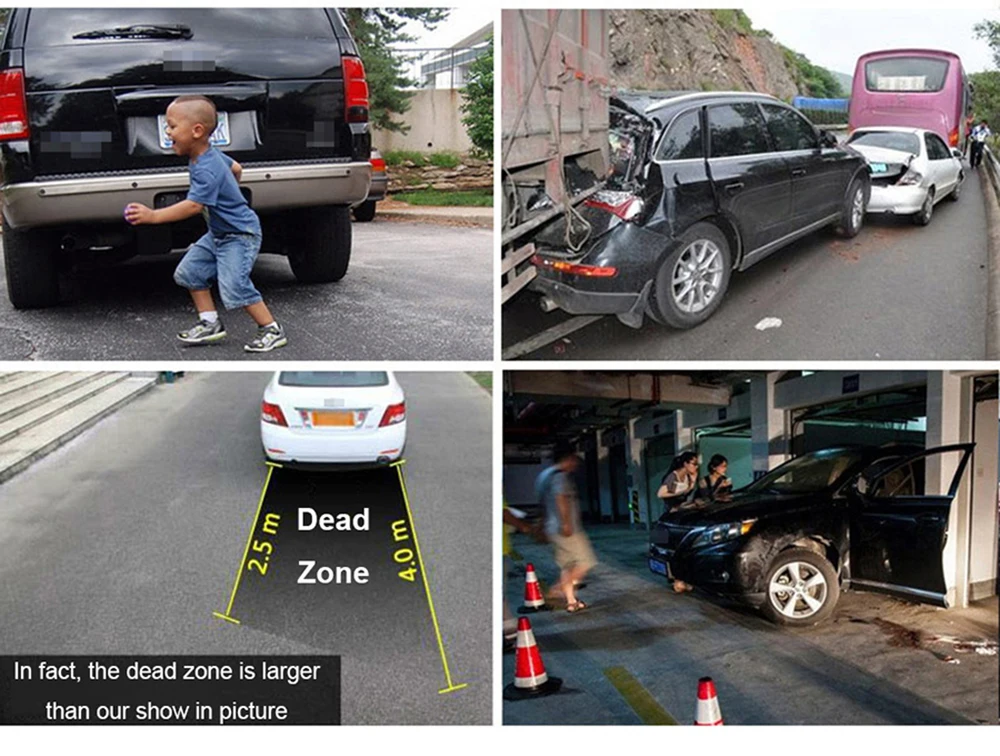
Reversing Image
When the car in reverse gear, the car DVR will automatically switch to the rear camera imaging view with parking line, ensures safety for parking.
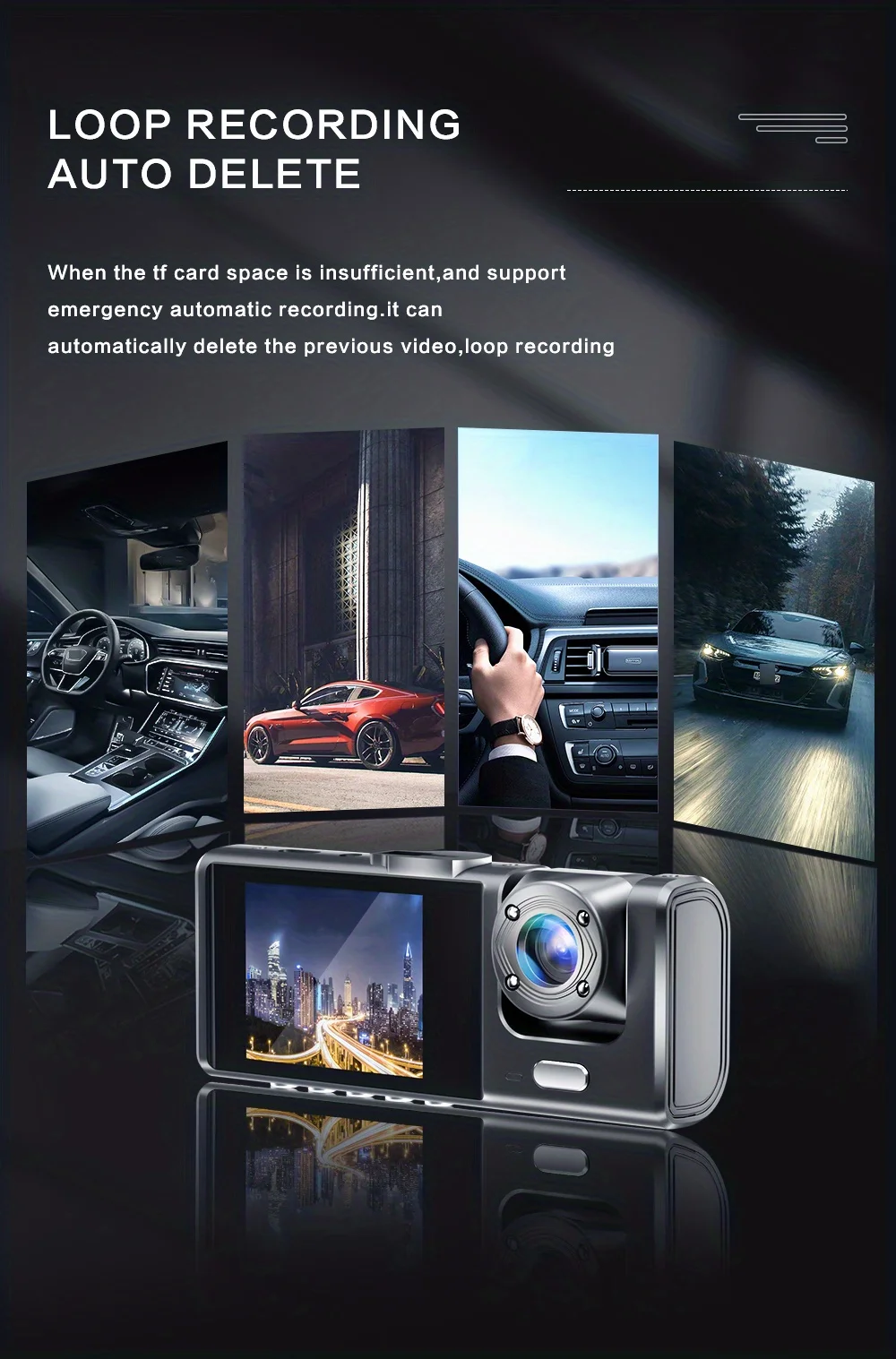
Loop Recording
Every detail would be automatically record and not miss one second, unlocked data would be overwritten automatically when TF card is run out of storage.
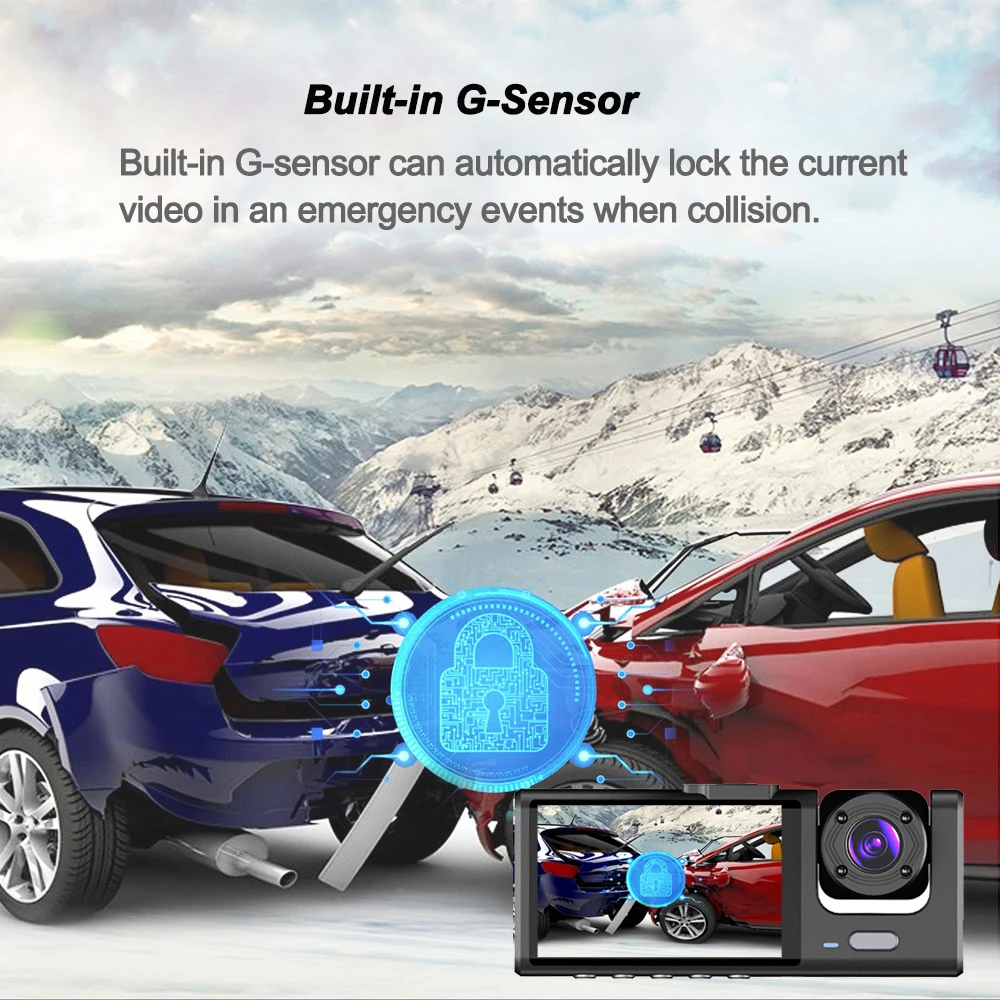
G-Sensor
Built-in 3Axis G-Sensor,dash cam automatically detects a sudden collision and lock the footage to ensure important footage is kept Protection.
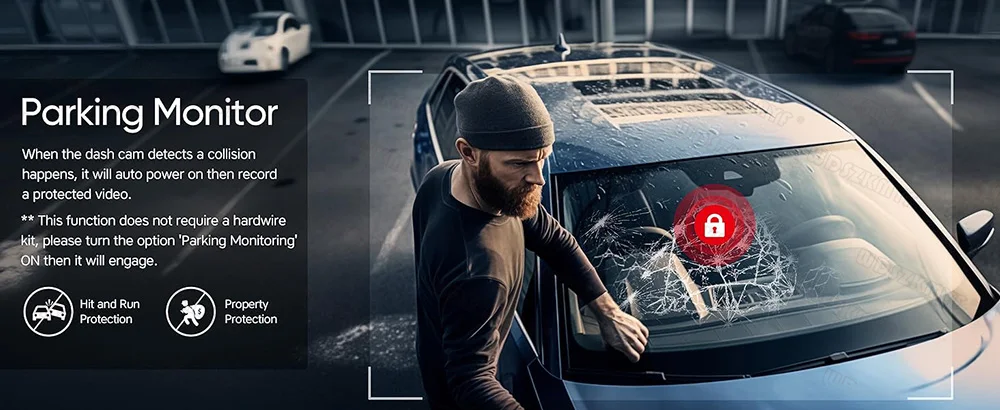
24h Parking Monitor
When Someone Near Your Car Or Vehicle Starts To Move,Automatically Turn On And Start Recording When Detects Any Impact Or Collision,The Device AutomaticallyAutomatically Recording For Few Seconds,Make Sure 24hr Parking Guard.
Attention: It Should BeConnected By A Dvr Exclusive Power Cable.
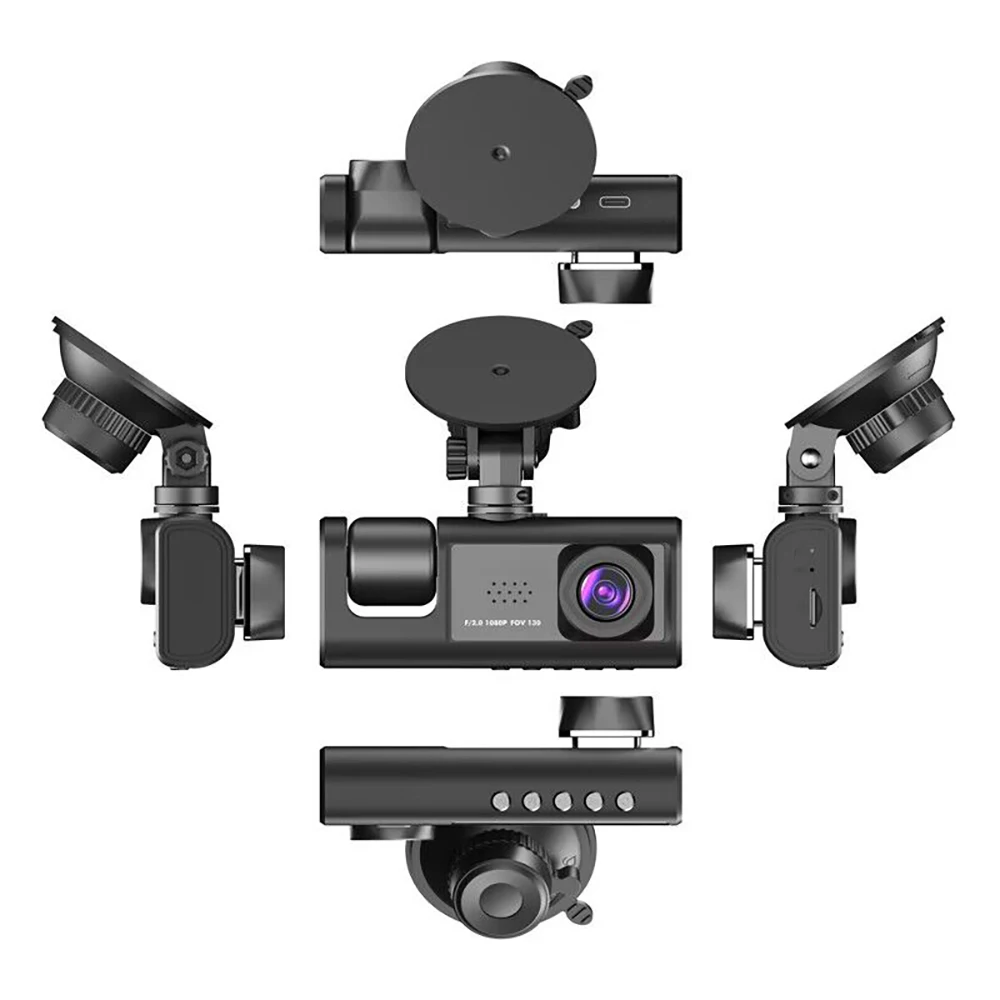
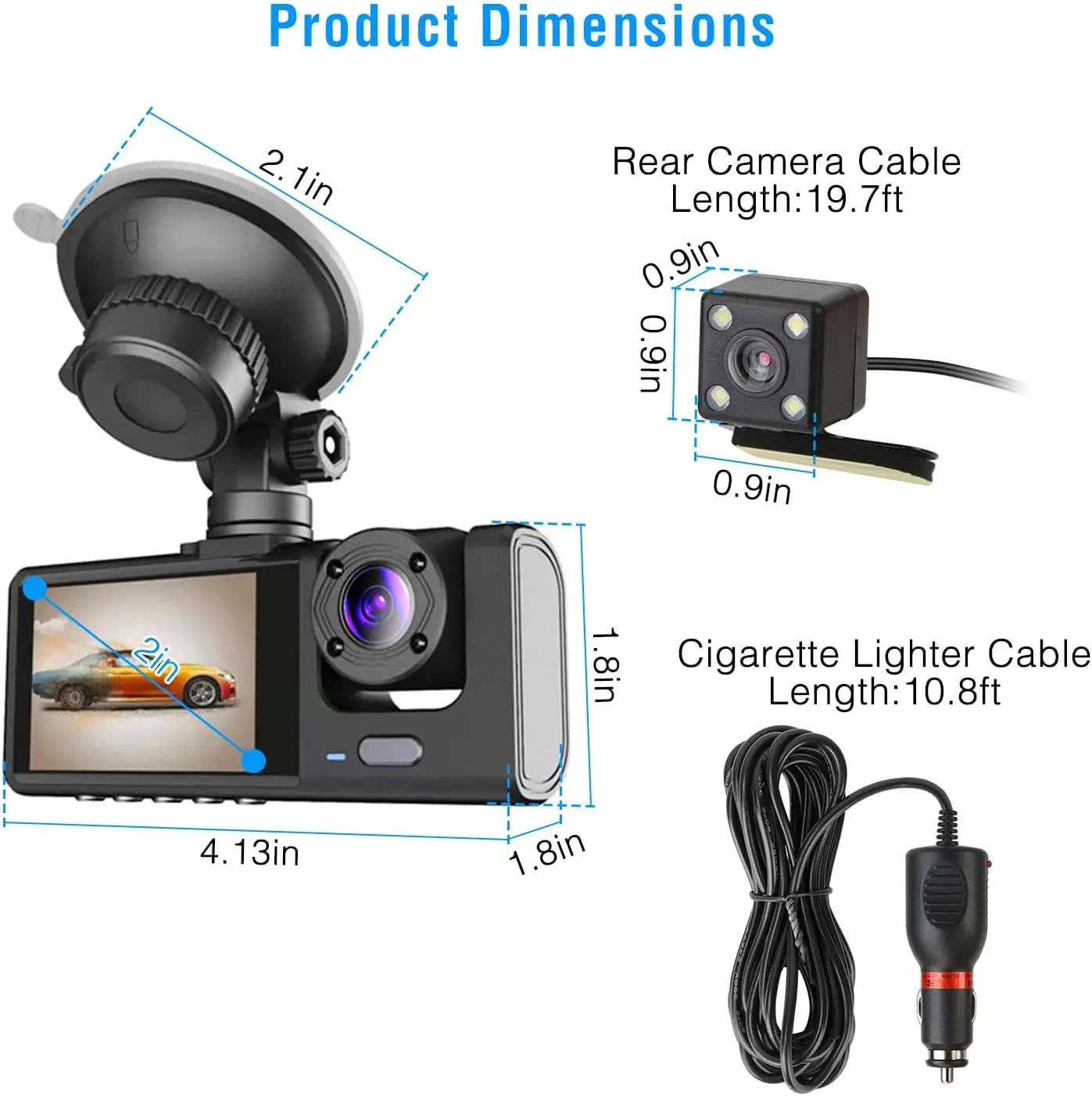
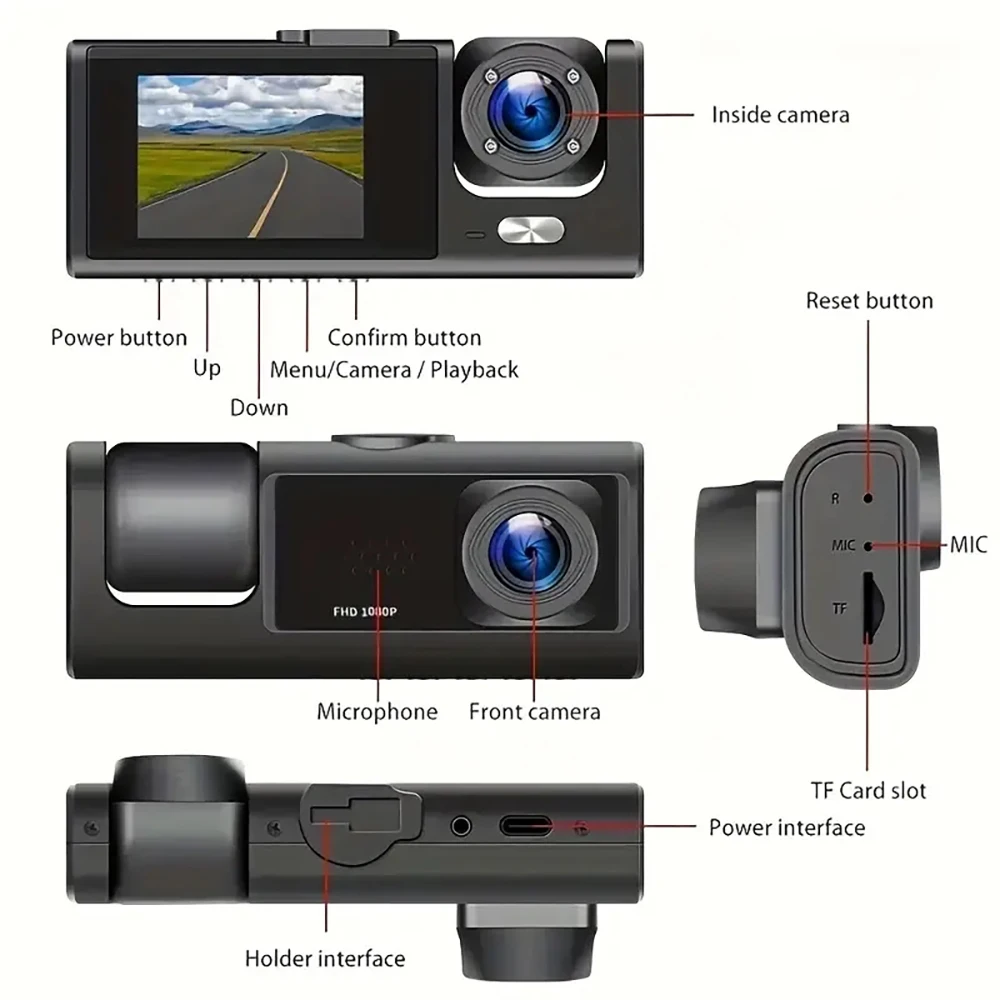
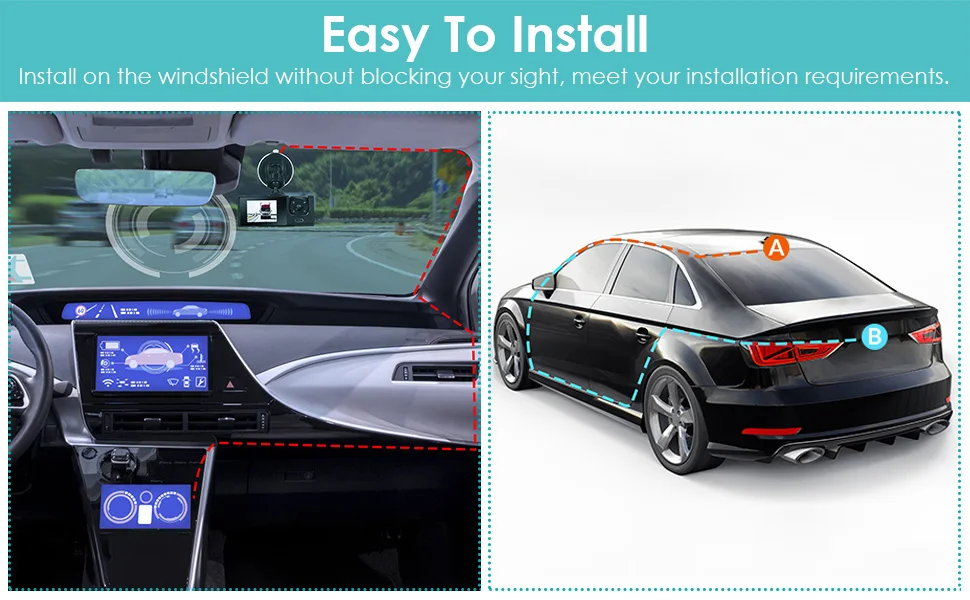
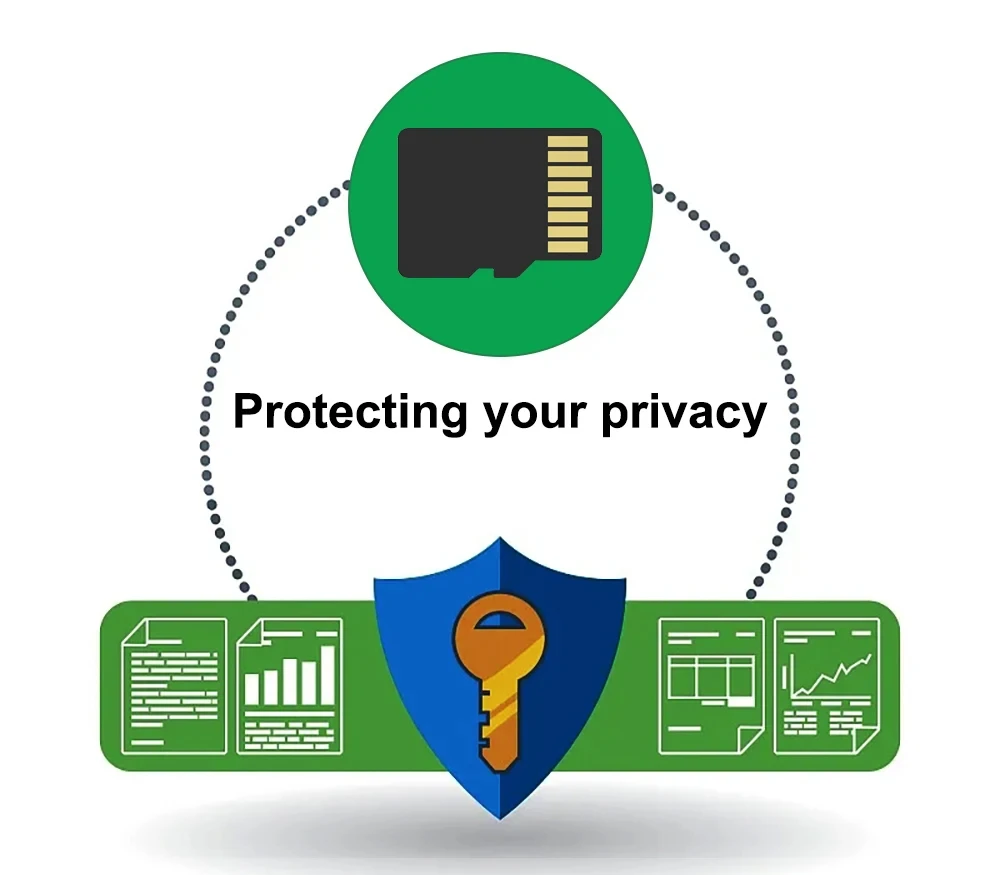
To protect your privacy, the TF card needs to be formatted for the first time. There are two solutions:
1. Insert the TF card correctly into the dash cam, open the camera settings, find the storage card format, confirm that the formatting is complete, and then restart the camera to use.
2.Connect to the mobile application, search for settings in the mobile application, format the memory card, confirm formatting is complete, and then restart the camera to use it. Sincere wishes to you and your family.


Por qué te va a encantar
Este producto como los demás combina a la perfección funcionalidad y estilo, ofreciendo la solución ideal para tu estilo de vida moderno. Con características innovadoras, un diseño duradero y una funcionalidad fácil de usar, está diseñado para satisfacer tus necesidades diarias. Ya sea para trabajar, divertirte o mantenerte conectado, este dispositivo simplifica tus tareas y mejora tu experiencia.
Elige con confianza
Este producto está diseñado con precisión y confiabilidad, ofreciendo un rendimiento de primer nivel y características avanzadas que lo distinguen del resto. Con el respaldo de excelentes reseñas y un compromiso con la calidad, es la elección perfecta para el trabajo, el entretenimiento o la comodidad diaria. Invierte en un producto que combina innovación, durabilidad y satisfacción del usuario.
| Our brand | Others | |
|---|---|---|
Diseño práctico |
||
Compacto y portátil |
||
Funciones diseñadas para mejorar tu experiencia diaria |
||
Confiable y resistente |